
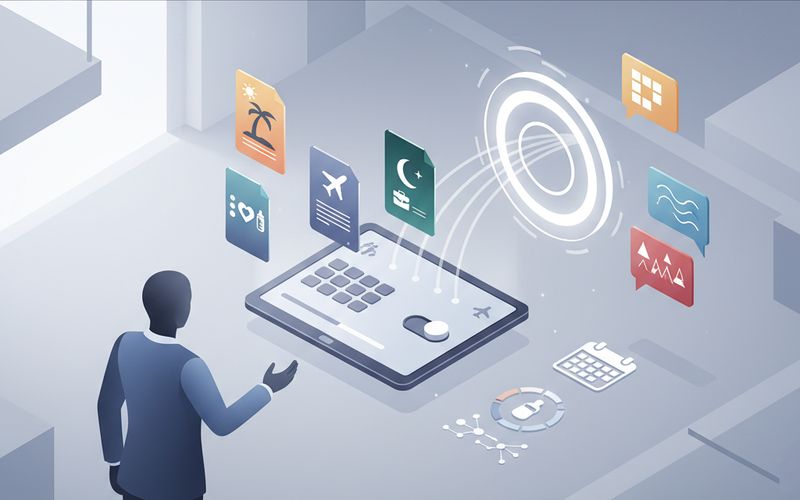
Out of Office Message Generator

Coming Soon

Ordering for this service opens soon.

Professional Auto Responders Tailored for Every Absence

Receive customized auto-responder templates that balance firm professional boundaries with proper coverage details, delivered in under 30 seconds rather than drafting them manually under pre-travel pressure.

creative content
vacation autoresponder
leave notification
working professional
out of office
email auto reply

What Each Out of Office Message Includes

Establish clear communication boundaries across vacation, travel, or leave
Separate internal staff instructions from external client communications
Equip designated coverage contacts with structured pre-departure handoff notes
Maintain organizational privacy by preventing accidental disclosure of confidential details
Standardize professional auto-responder subject lines across all upcoming absences

Audience-Segmented Auto-Responder Structure

1

Specify Absence Details and Tone

Provide your departure dates, return timeline, preferred communication tone, and designated backup contacts.

2

Select Communication Boundaries

Indicate specific instructions for internal team channels and external client inquiries.

3

Review Formatted Templates

Receive copy-ready email auto-responders, audience-specific adaptations, subject lines, and pre-departure checklists.

Coverage Templates for Any Workplace Absence

Vacationing Professionals

Employees heading on annual leave who need to fully disconnect while ensuring incoming project inquiries reach active colleagues. These templates establish firm boundary expectations for clients while offering emergency routing paths. The structured approach eliminates ambiguity regarding return dates and urgent issue handling.

Corporate Travelers and Field Teams

Staff attending multi-day conferences or client visits with delayed email access throughout the business day. These drafts clarify intermittent inbox connectivity without creating false expectations of immediate turnaround. Colleagues and external partners receive clear timelines on when responses will resume.

Employees Planning Extended Leave

Professionals preparing for parental leave, medical leave, or sabbaticals requiring extensive coverage protocols. These templates provide appropriate privacy protection while delegating ongoing account management to specific interim owners. Structured handoff checklists ensure designated backups receive complete context before departure.

Frequently Asked Questions

Once you copy your preferred template, open Outlook, navigate to the File menu, and select Automatic Replies. Paste the generated subject line and body text into the editor, then configure your start and end dates. If you utilize distinct messaging for clients, paste the external variation into the Outside My Organization tab. Save your settings to activate the auto-responder across your selected dates.

Open your mobile Outlook application, tap your account profile icon, and open the Settings gear menu. Select your mail account, tap Automatic Replies, and switch the feature toggle on. Paste the primary template text into the message field and specify your scheduled absence window. Save the changes to confirm that incoming mobile messages receive the formatted response.

Internal colleagues frequently need specific project handoff guidance, internal chat statuses, and direct coverage assignments. External contacts and vendors should receive professional boundary notices without exposing internal workflows or personal details. Providing tailored messaging ensures client confidentiality while keeping internal operations running smoothly during your absence. This dual structure prevents miscommunication across distinct stakeholder groups.

The system produces multiple tone options including formal, standard corporate, and friendly variations. This allows you to match the expected communication style of your organization and industry. You can select formal versions for legal and financial environments, or friendly variations for collaborative team cultures. Each tone retains essential coverage contacts and timeline boundaries.

The pre-departure checklist outlines procedural steps to brief your designated backup contacts before you disconnect. It includes structured handoff prompts to verify account ownership, emergency escalation paths, and shared resource permissions. Using this guide ensures your coverage partners have all necessary context before client inquiries arrive. This systematic preparation reduces post-return inbox backlog and operational bottlenecks.

Yes. This service is generated by an AI model from the details you enter. AI models can make mistakes. Always independently verify critical information, data and advice before taking action.

Coming Soon

Ordering for this service opens soon. Check out our active services in the meantime.